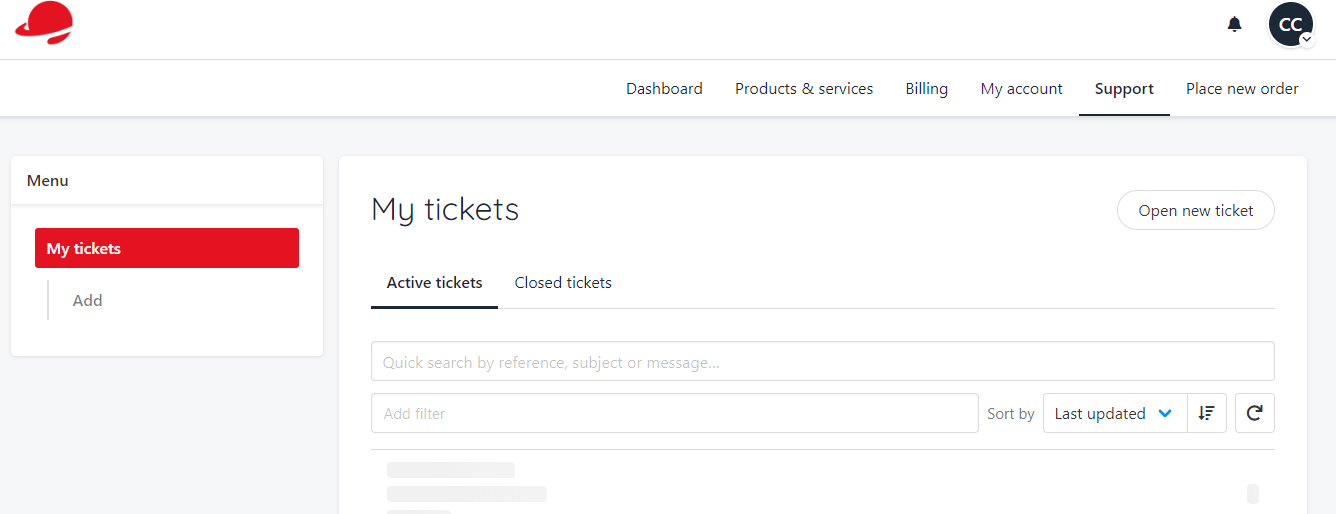
Logging in
To log into your new client area, go to melbourneit.au and select “log in”.

- Dashboard – similar to the Overview tab, it gives you services, invoices and tickets at a glance
- Products and Services – a full list of your domains and hosting products and services. From here, you will be able to log in to your hosting, email services as well as manage them
- Billing – this is where you will find all of your invoices, account credit balance, payment methods and currency settings
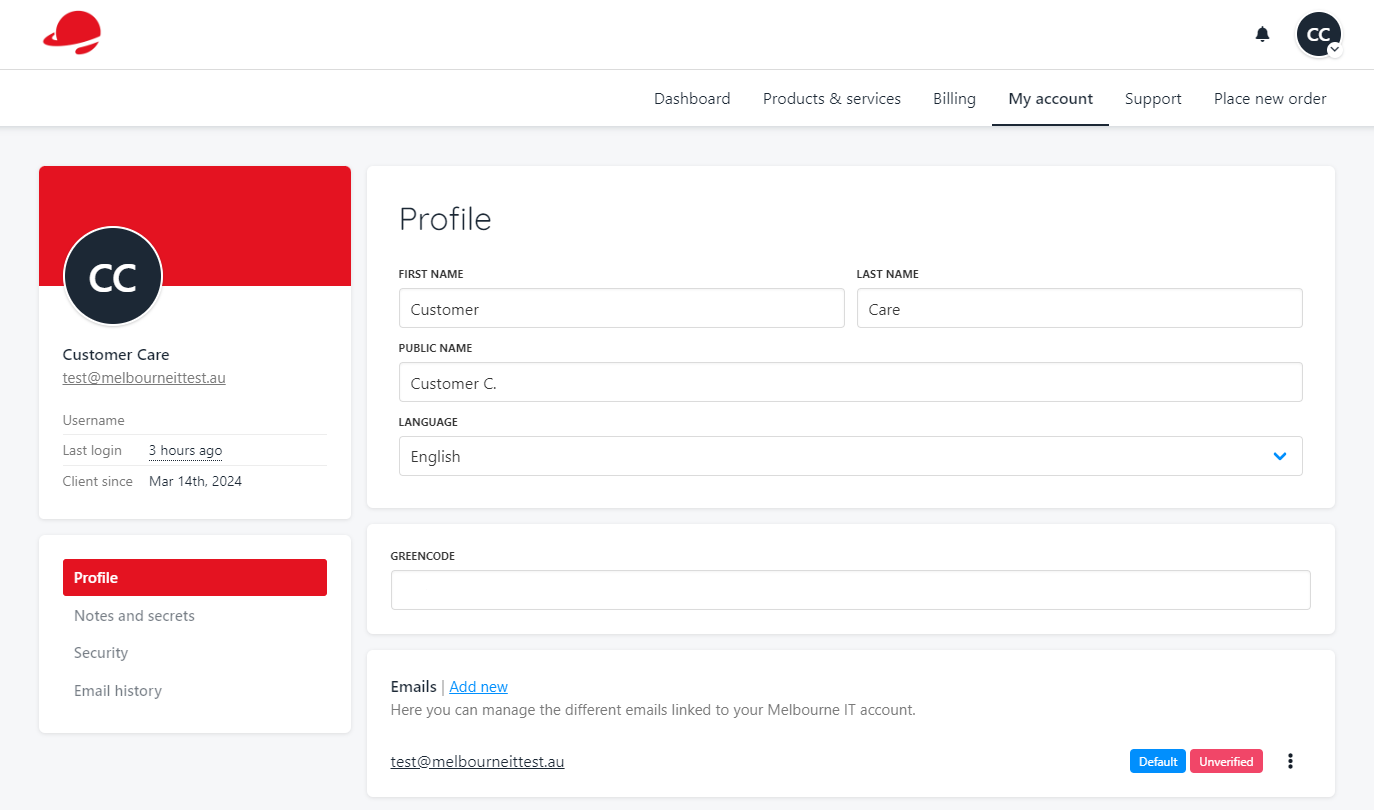
- My Account – update your contact information like name, email or phone number here
- Support – Raise tickets and find replies to your previous cases here
- Place new order – Place a new order for hosting, register a new domain name or purchase SSL certificates
Domains and Services
Now that you’re logged in, this is the dashboard. Let’s start with your domains and services.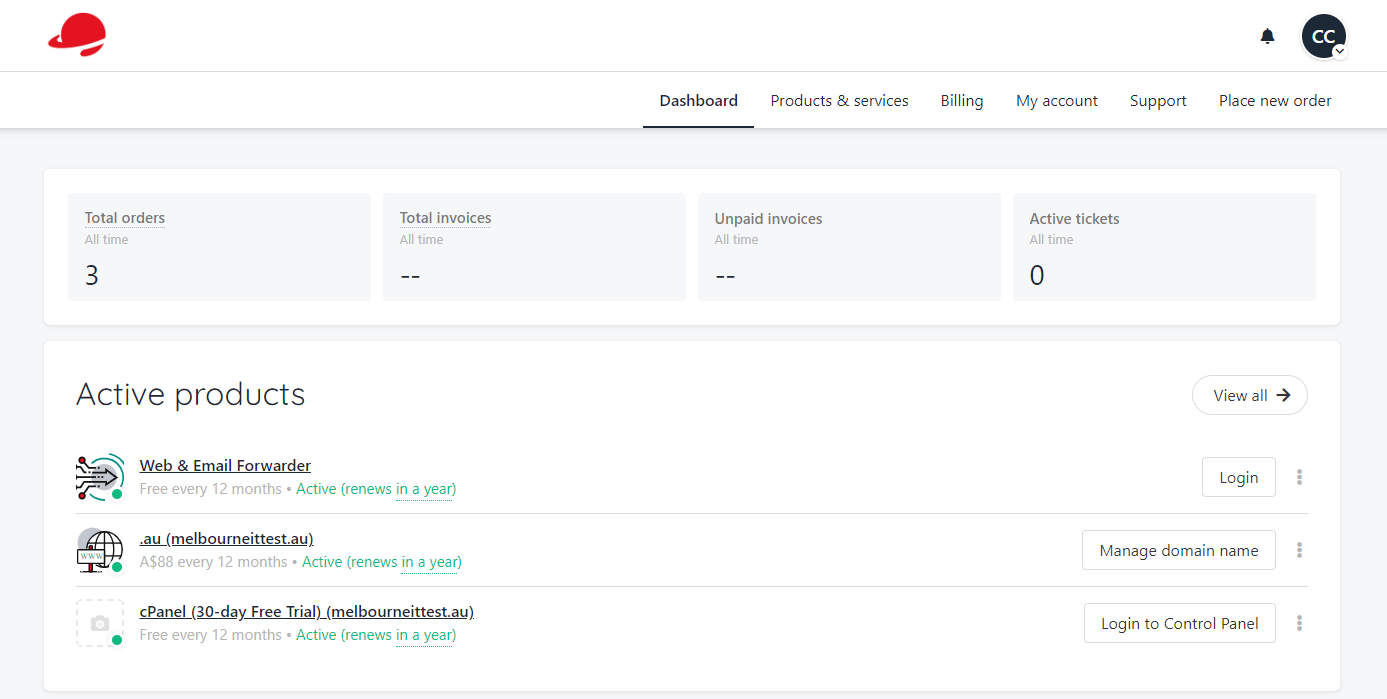
Managing a Domain Name
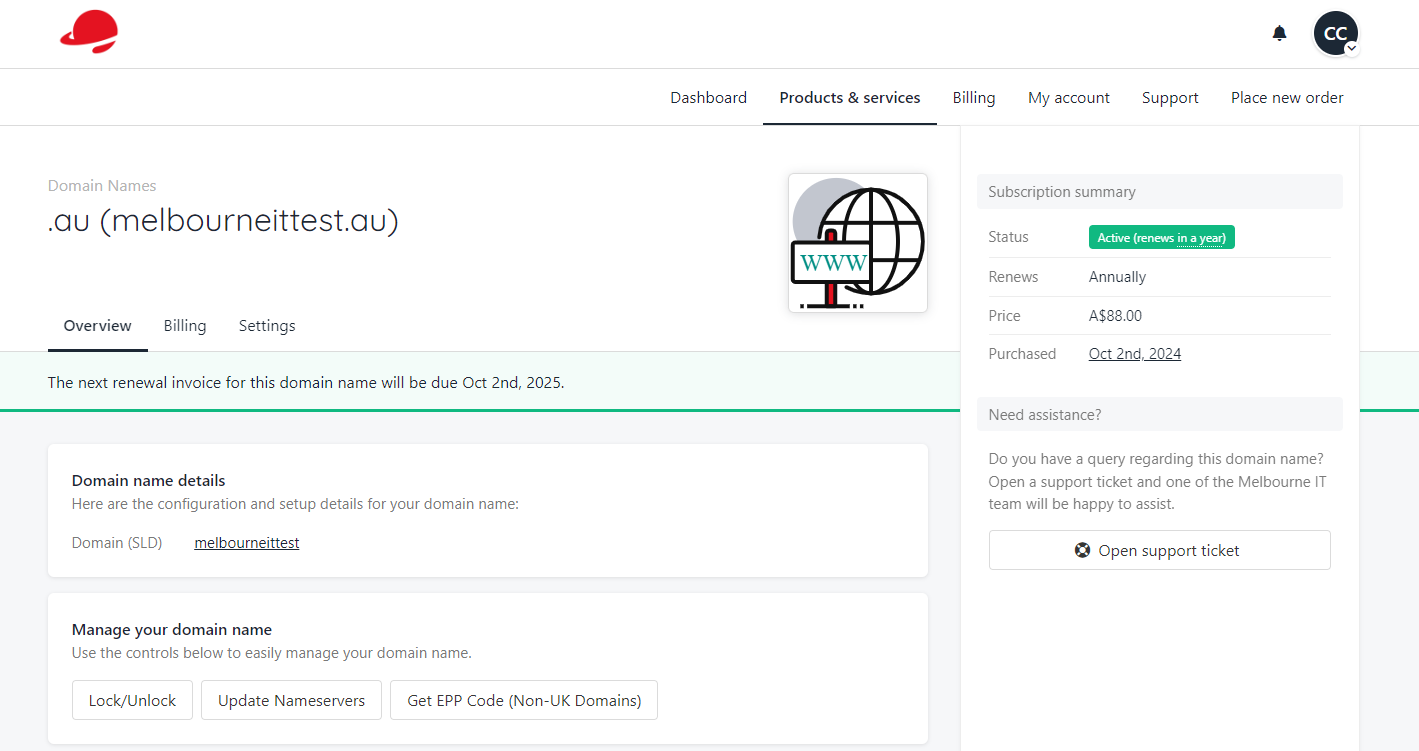 After you select “manage domain name” you can lock/unlock the domain, update the nameservers and grab your EPP Code. On this page you can also select “billing” and “settings” to view auto renew options, invoice options and cancellation options.
Billing details
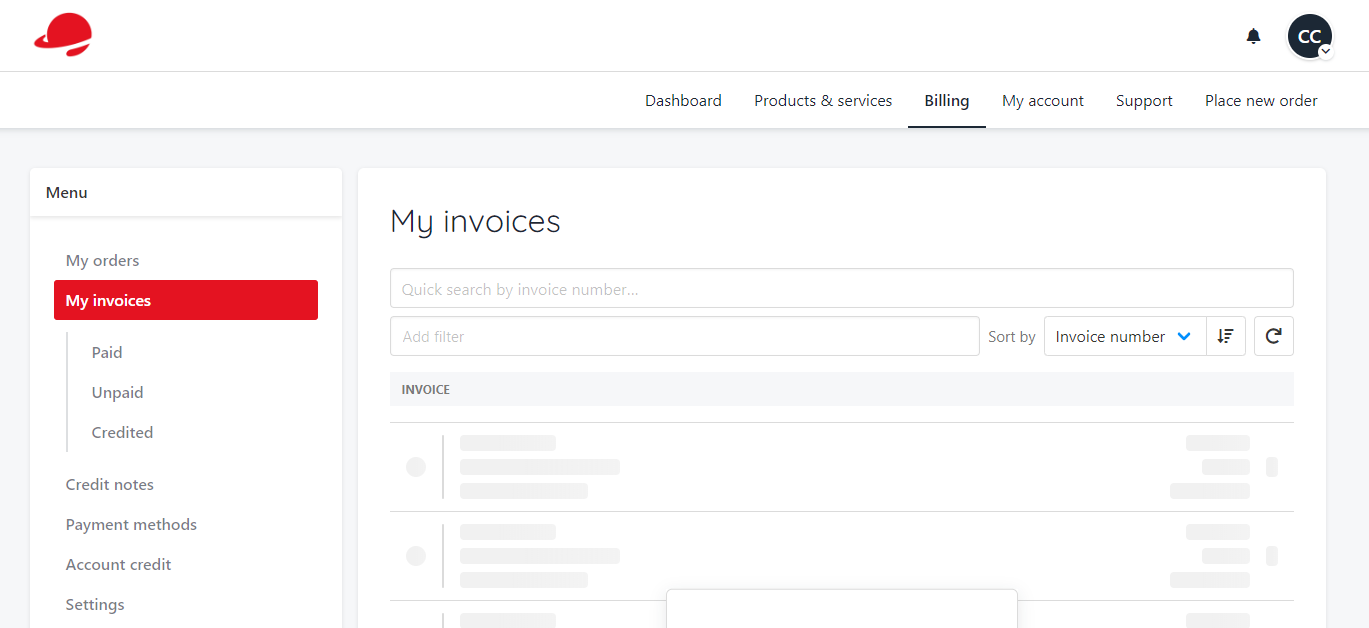
Account Details
Support
Select “support” from the menu bar.