

How to Manage the DNS
- Log in to the MelbourneIT portal at melbourneit.au
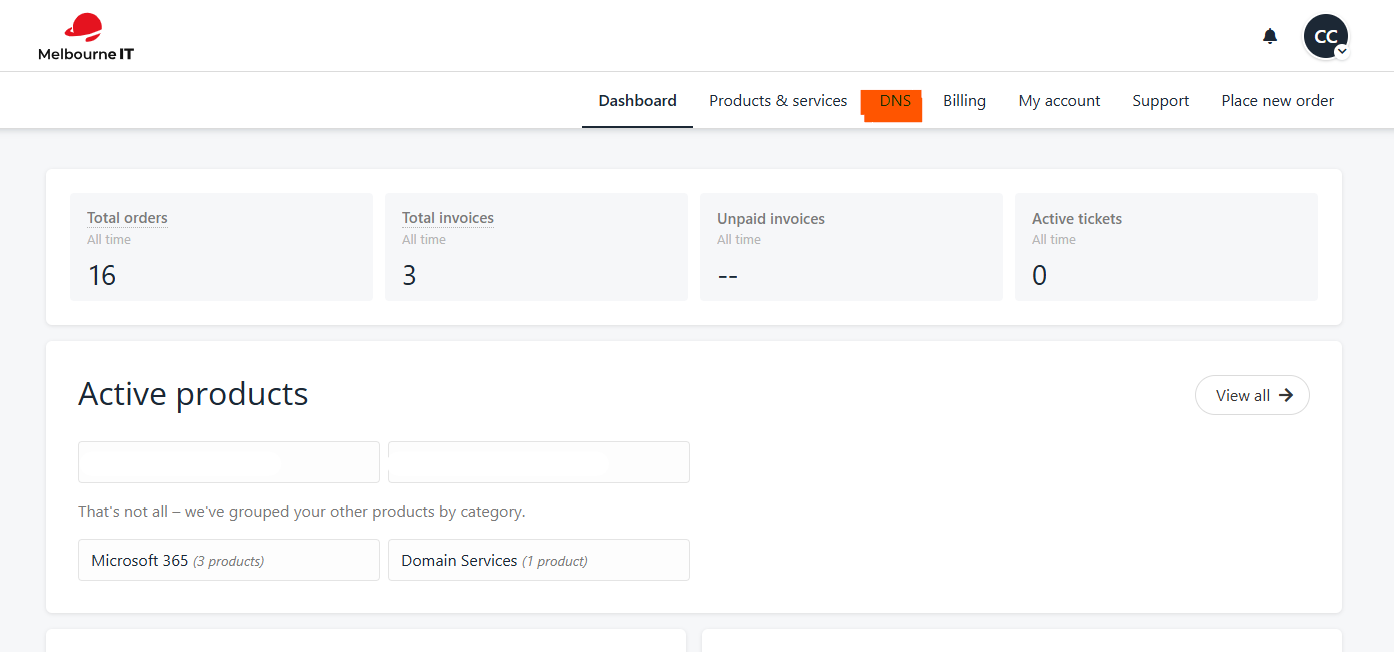
- Navigate to the DNS Tab
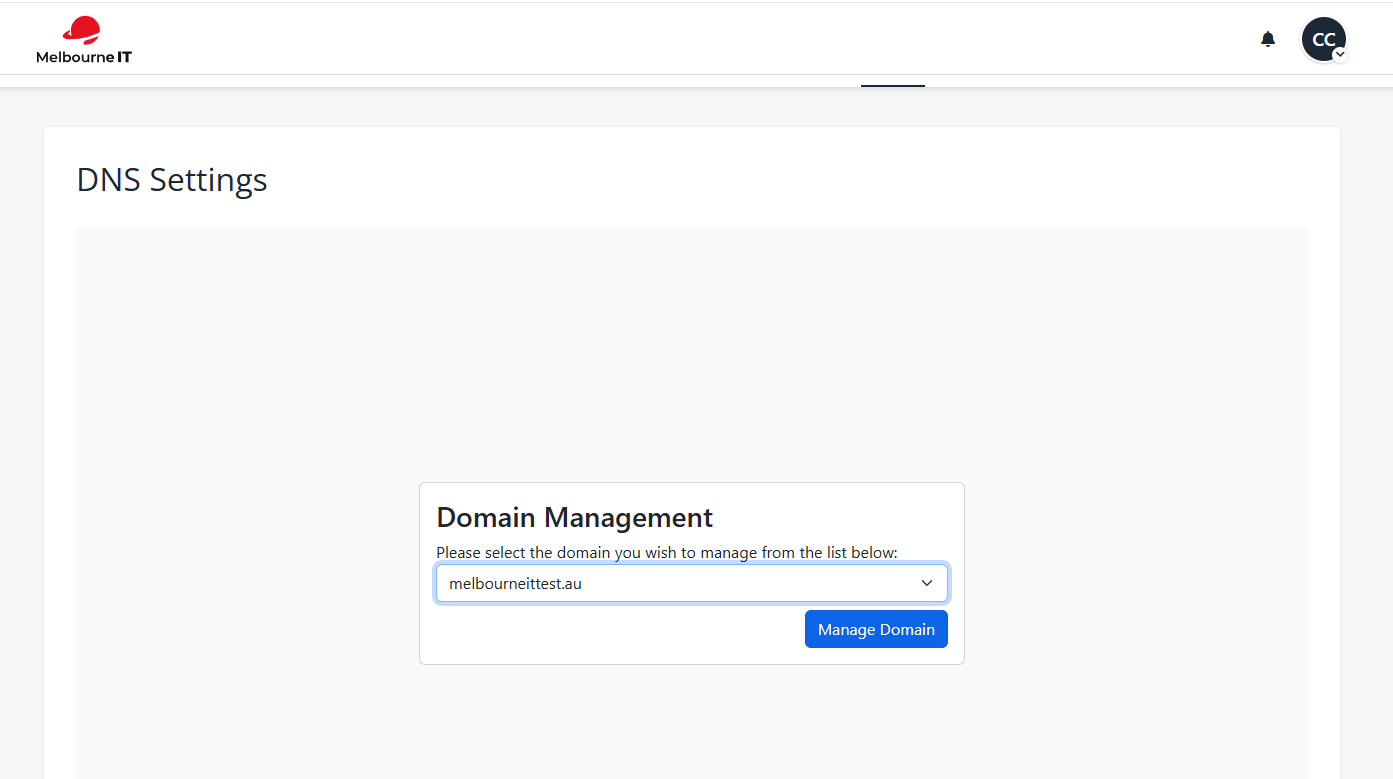
- Select the domain name in question
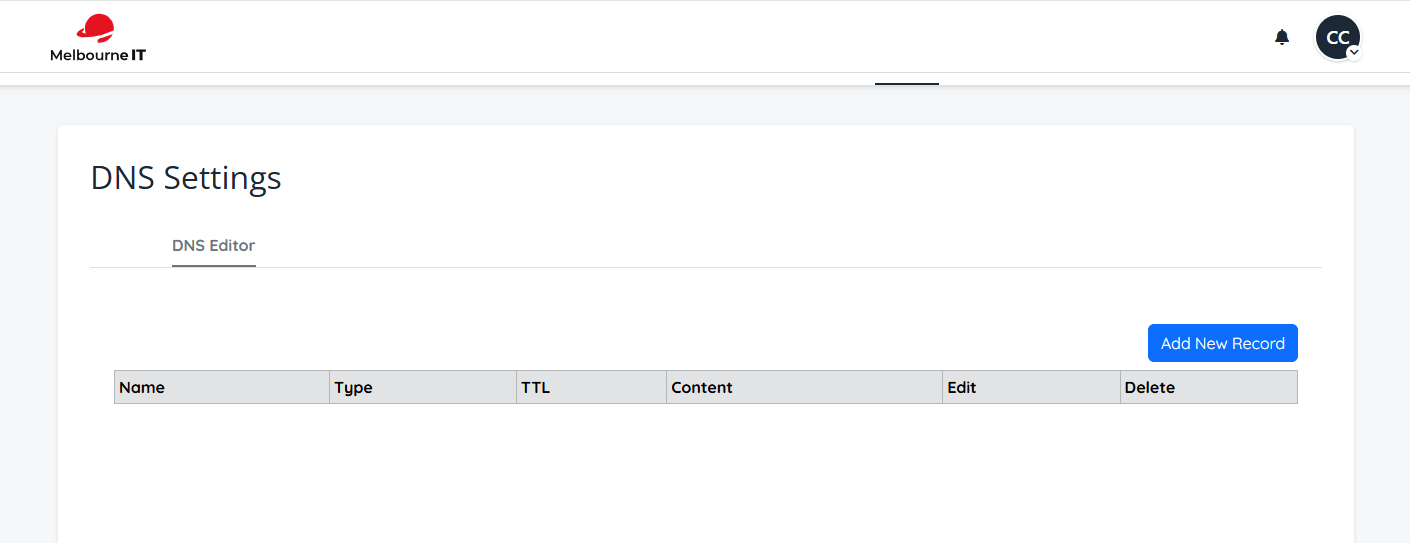
- Click the + button to add a DNS record or find the record you wish to edit
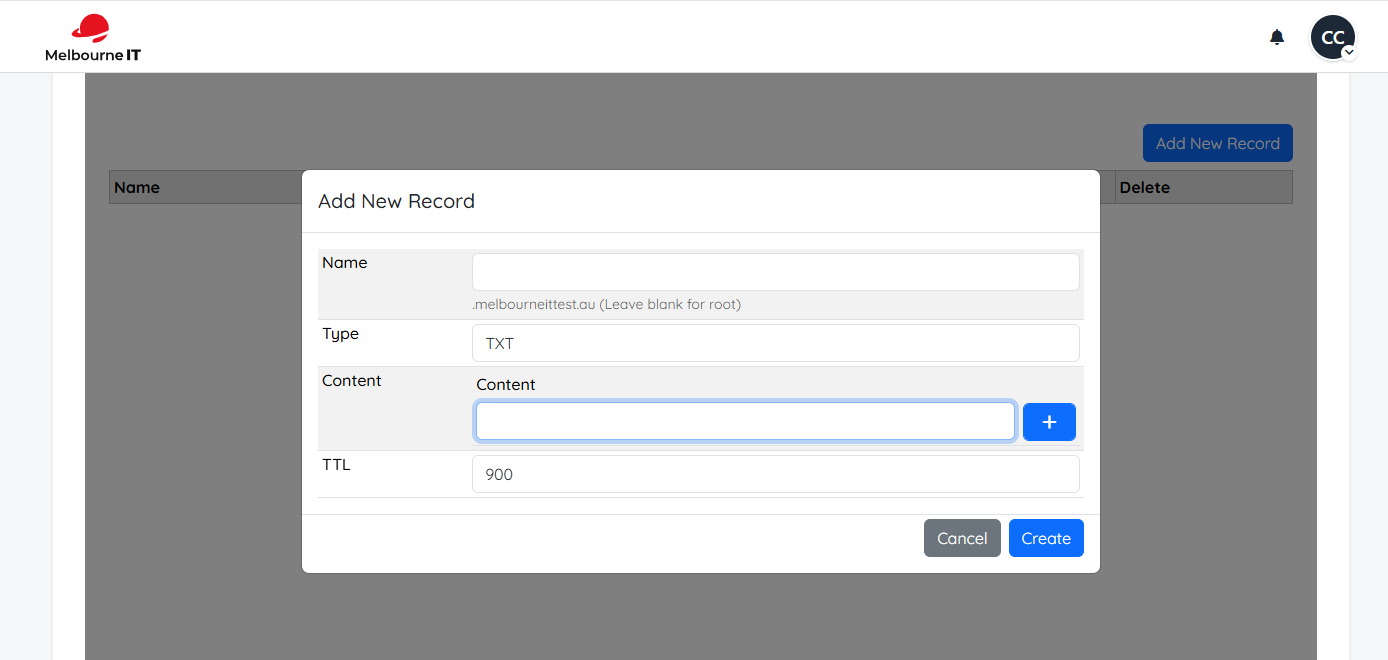
- Select the type of record you wish to add, add in the name if required and enter in the content
 As always, if you run into any issues accessing your DNS tab or domain name, please contact our Customer Care Team.