Before trying to setup your email account, ensure that you have:
An active email service, like MS365 or cPanel
Your email address is created and you know the password
If needed, you have the incoming and outgoing settings. For MS365, you wont need this as it will be setup as Exchange.
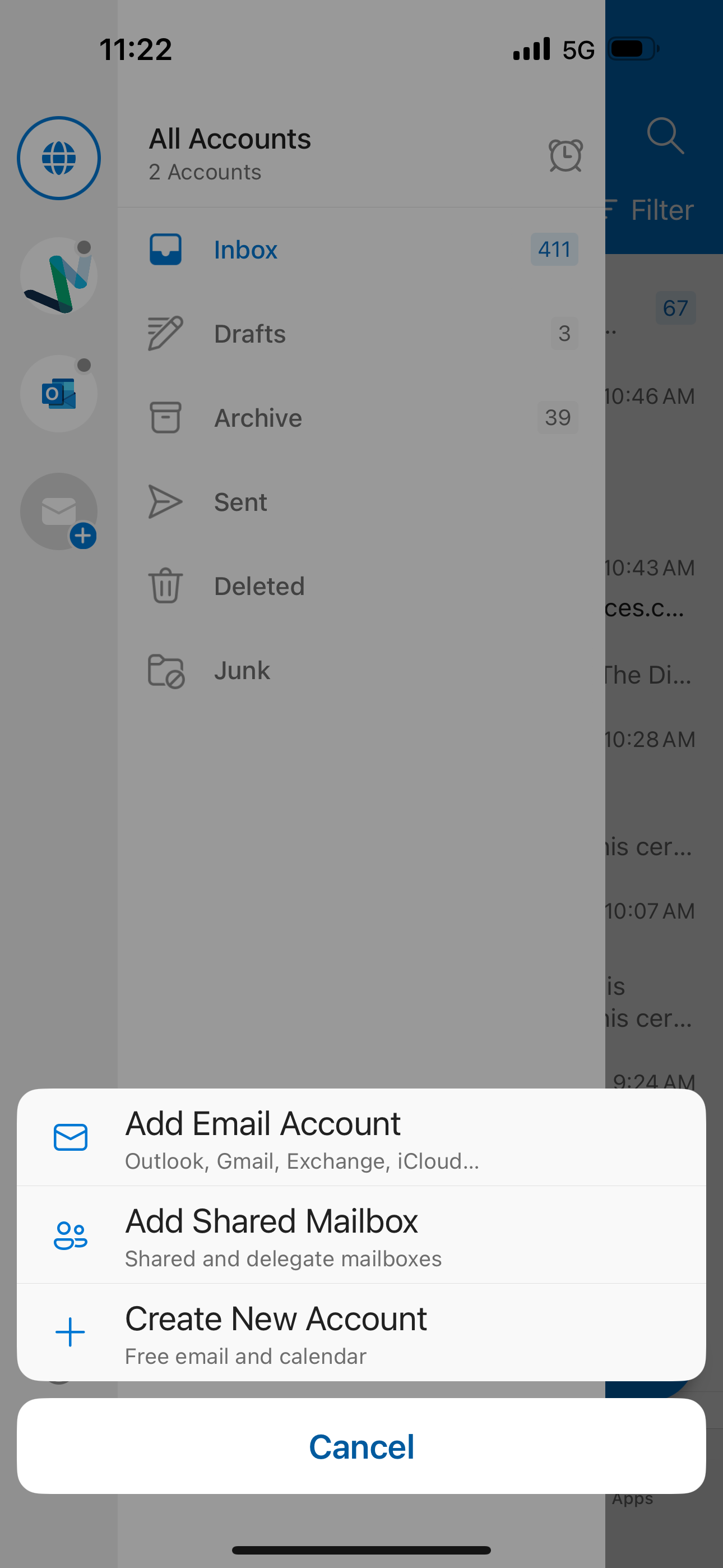
Note: As always, for help with these applications, please seek guidance from the manufacturer, however we offer the following article to get you started. Please use the webmail version of your service while you get things setup exactly as you like.Step 1Head to the Outlook app and swipe over to find the menu, click the plus icon, then click on the Add Email Account button
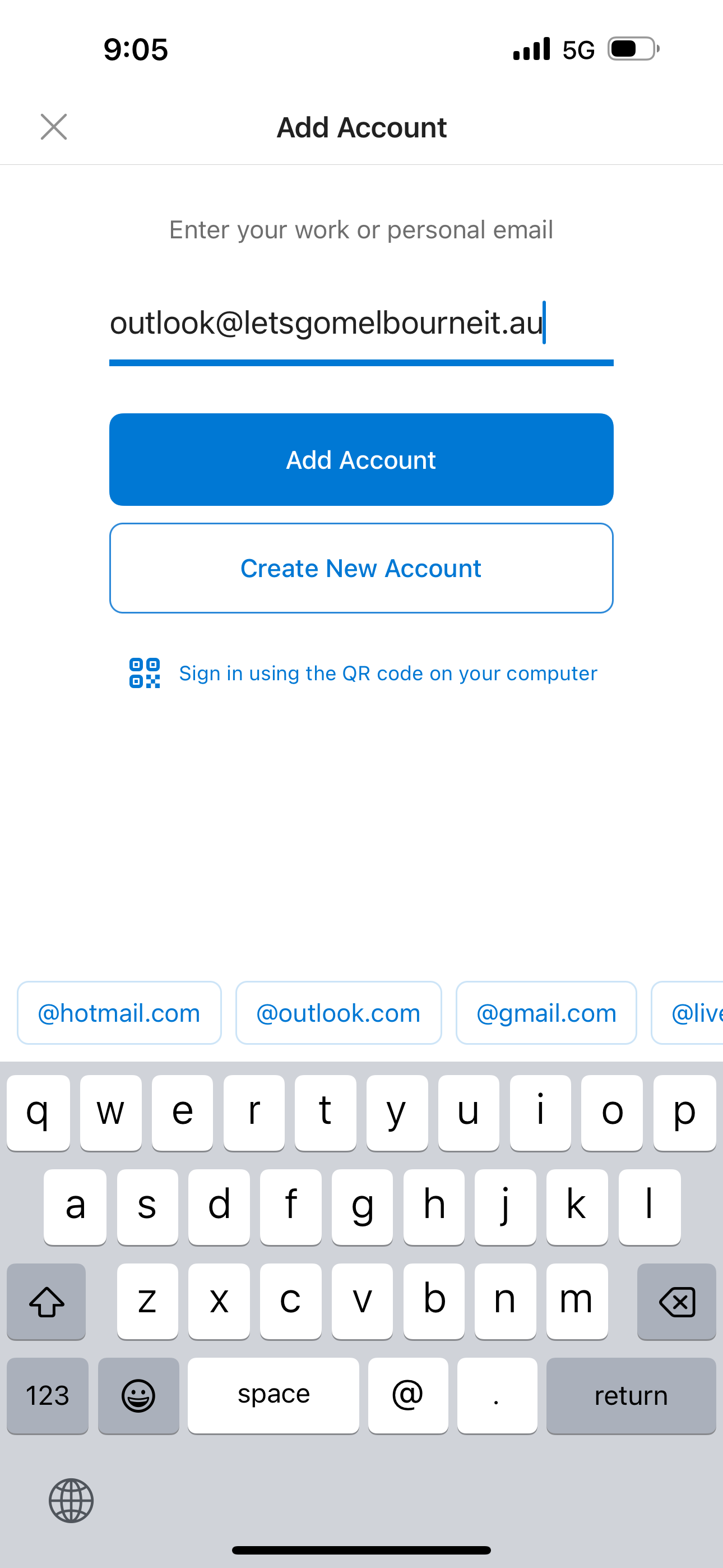
Step 2Enter in your email address and tap Add Account
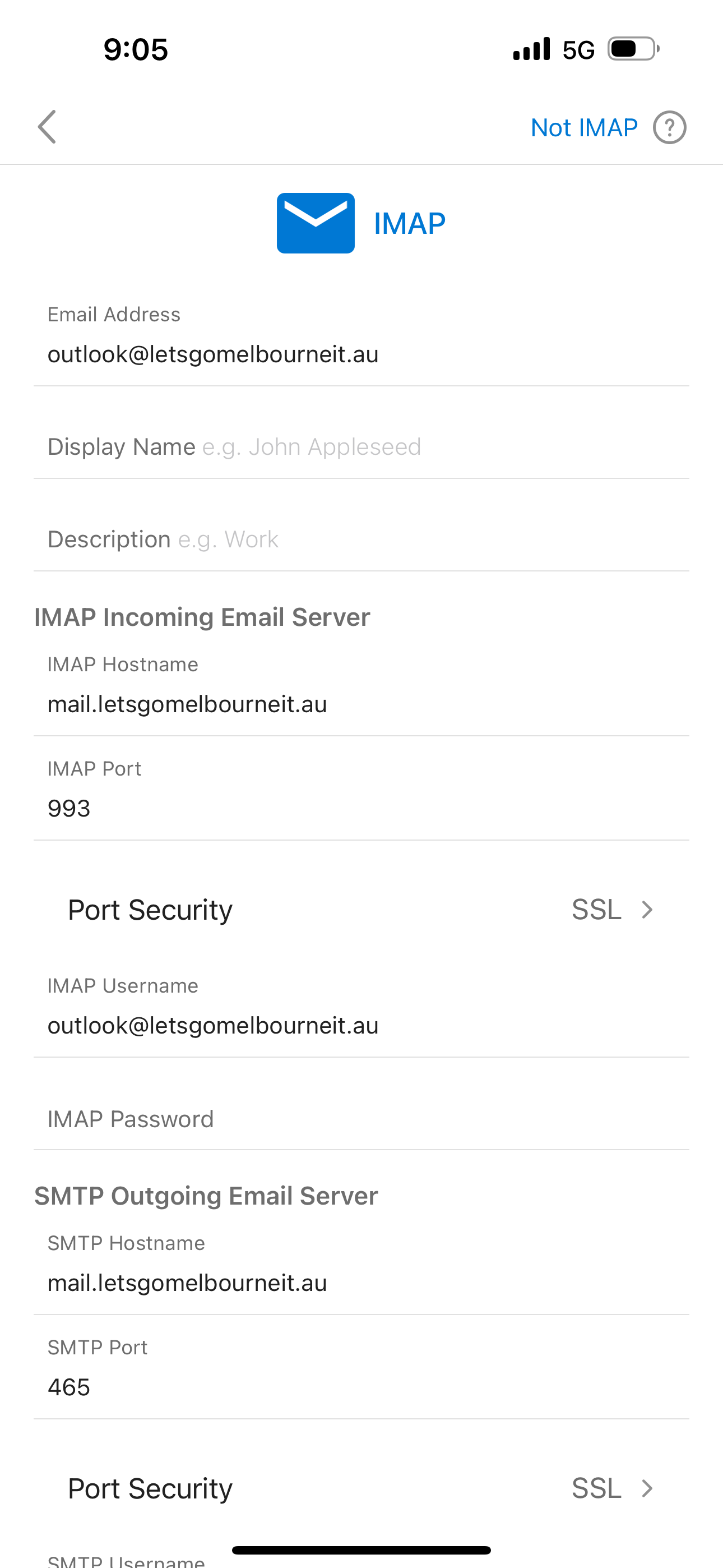
Step 3Enter in the email settings specific for your email service
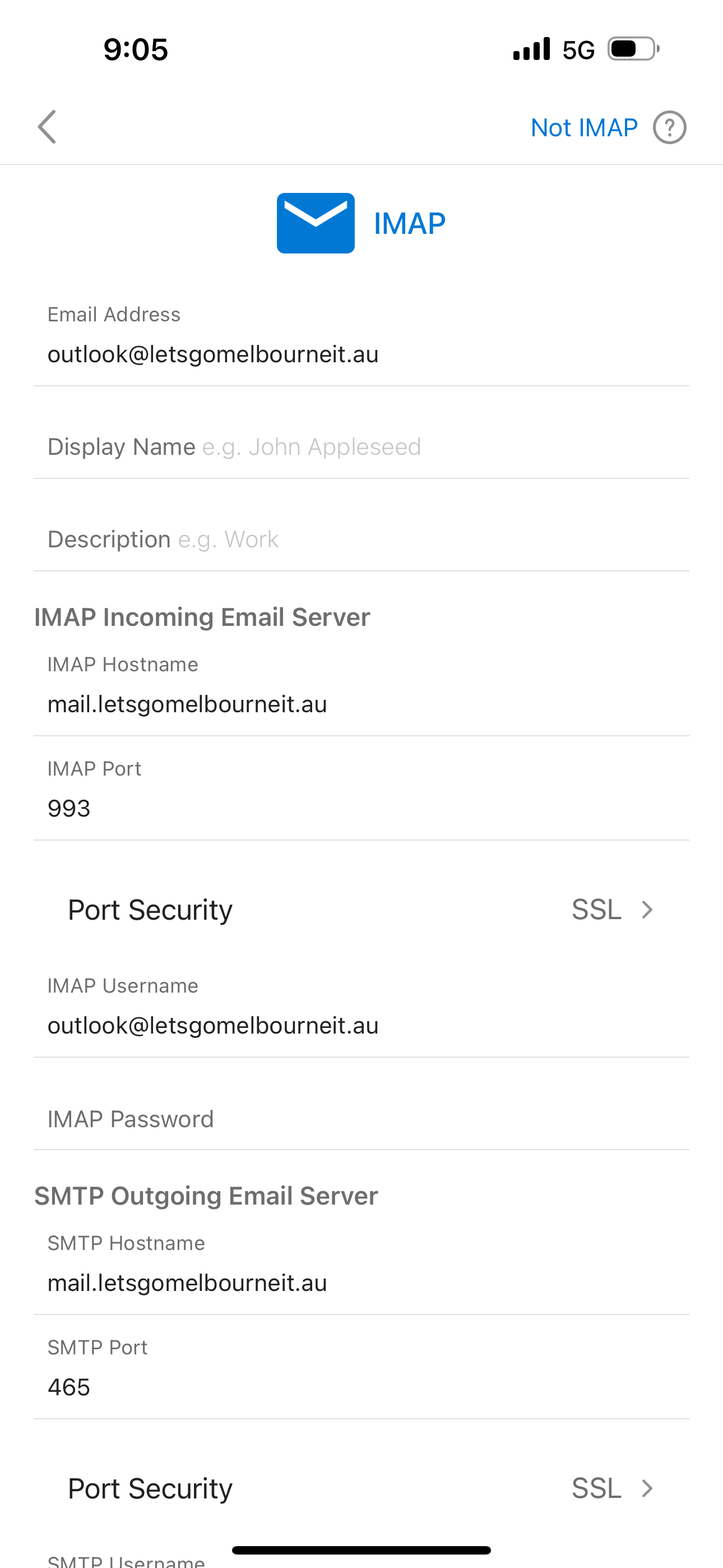
Step 4
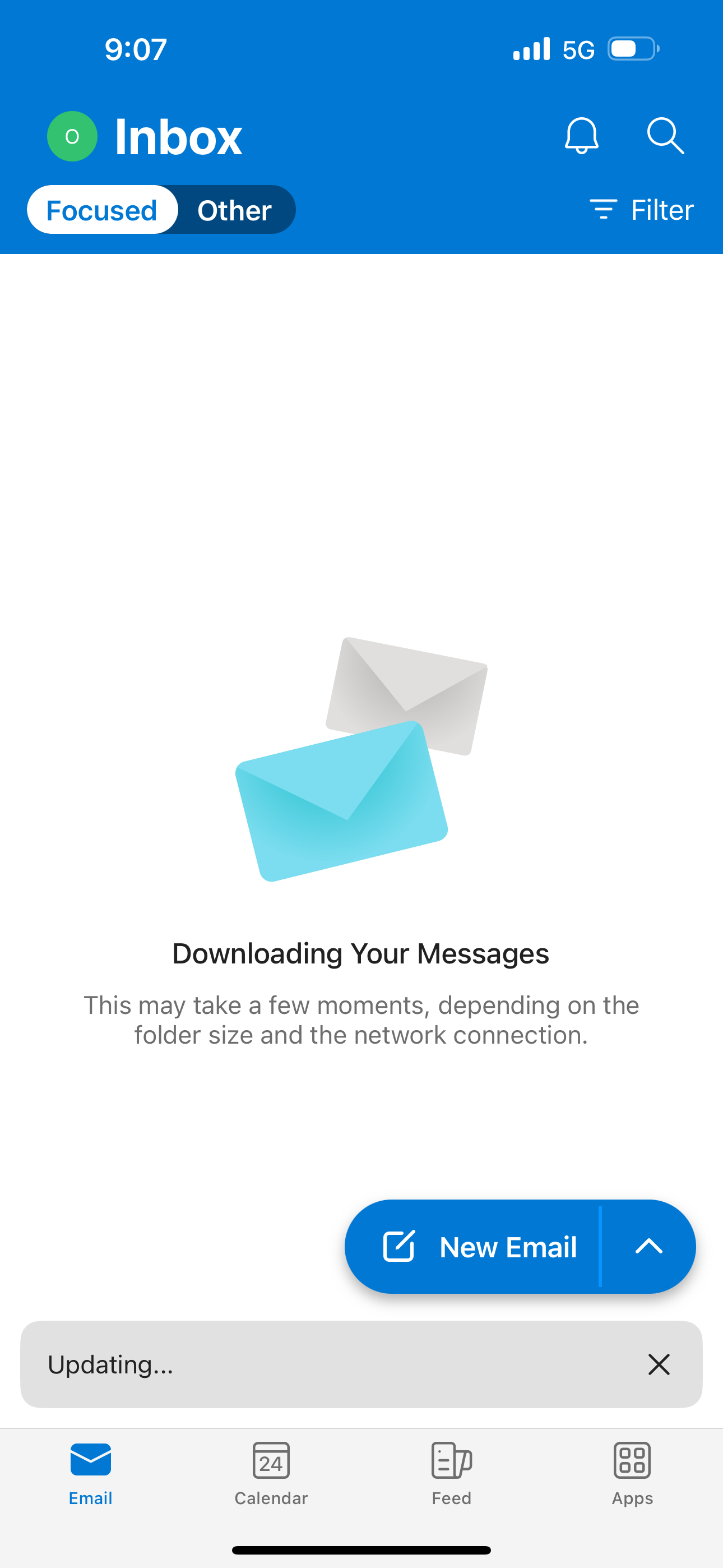
Once the app has loaded and your email address is added, it will get the emails from the server and you can view them in the inbox.